AI product video for ecommerce
By Vayem Studios · September 2026
AI product video can turn approved product imagery and a creative brief into short motion assets for a product page or an ad. The result is generated content, not footage from a physical shoot. A brand still needs to check each visible detail before publishing.
Start with the job of the video
A product-page clip should help a shopper understand shape, drape and detail. A short ad may open with a quick visual hook and close on the product. Those are different briefs. Decide the placement, aspect ratio, duration, product reference and one main message before starting. A visually impressive clip that changes the garment's print halfway through does not serve the buyer.
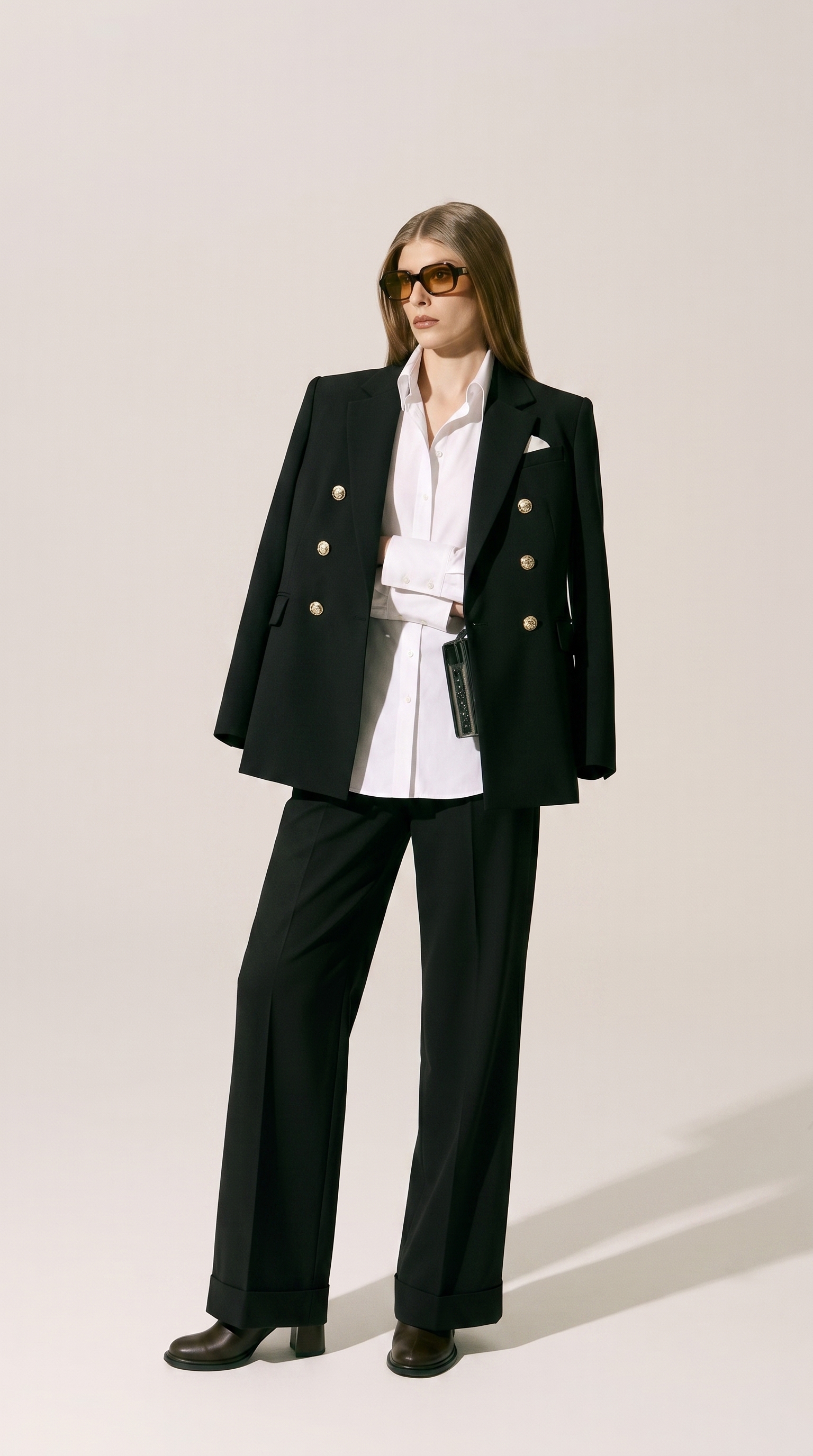
Vayem Studios shows short-form and UGC-style work alongside fashion product imagery. The work is AI-generated; it should not be mistaken for footage from a customer or a physical production crew.
A workable review sequence
- Reference: gather clear product images, packaging details and any brand restrictions.
- Storyboard: plan the first frame, motion, product reveal and final frame. Keep a product-page clip more literal than an expressive campaign film.
- Generate and edit: build short clips, then check continuity at each transition. A moving product can drift in shape, logo, colour and trim.
- Publish check: compare the finished asset with the physical item, review claims, captions, disclosures, sound and platform dimensions.
An actual motion example: tableware
The tableware portfolio includes a short vertical clip of a coffee cup entering a styled dining scene. You can watch the clip and inspect the cup, saucer, gold-rim detail and background from first to last frame. It demonstrates the difference between a moving lifestyle visual and a literal proof of a product's material, dimensions or performance. No sales result or physical product test is implied.
What AI motion cannot prove
Generated video does not demonstrate the physical performance of a product. Do not use it to imply a cosmetic result, fabric property, assembly action or customer experience you did not document. If a realistic demonstration is essential, shoot the real product. A generated clip can be a useful creative asset, but truth in product representation matters more than production speed.
What to send us
Share product references, the page or ad placement, target length, required ratios and any features that must stay exact. We can then discuss a still-and-motion brief together. Start a project or see more visual work.
Common questions
Can an AI video replace real product footage?
For an expressive campaign, it may complement footage. For a literal demonstration of fit, material or use, actual footage may be safer and more informative.
What needs checking before an ecommerce ad goes live?
Confirm product accuracy frame by frame, the truth of any text or spoken claim, rights to source assets and the required platform format.
What should a brand send to brief an AI product video?
Provide approved product photos, close-ups of small details, the intended placement, aspect ratio and target length. Flag any claim or visual detail that must stay exact, and say whether the clip is a mood-led ad or a literal product-page view.
How do you check consistency across frames?
Pause at each cut and compare logos, colour, trim, shape and proportions with the supplied product reference. A smooth-looking transition is not enough if the product changes.